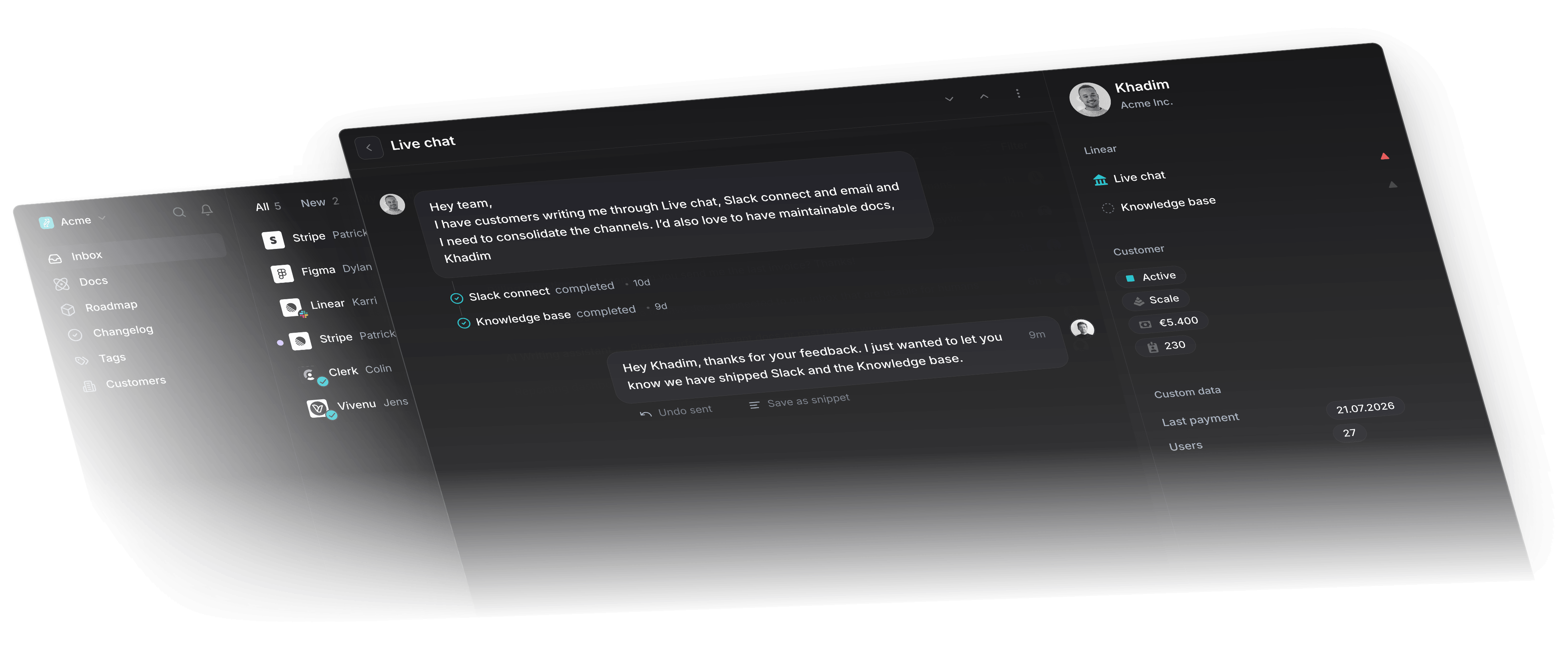
Self-updating help center
Article drafts ship the moment a Linear issue closes. AI keeps them aligned with your codebase as it changes.
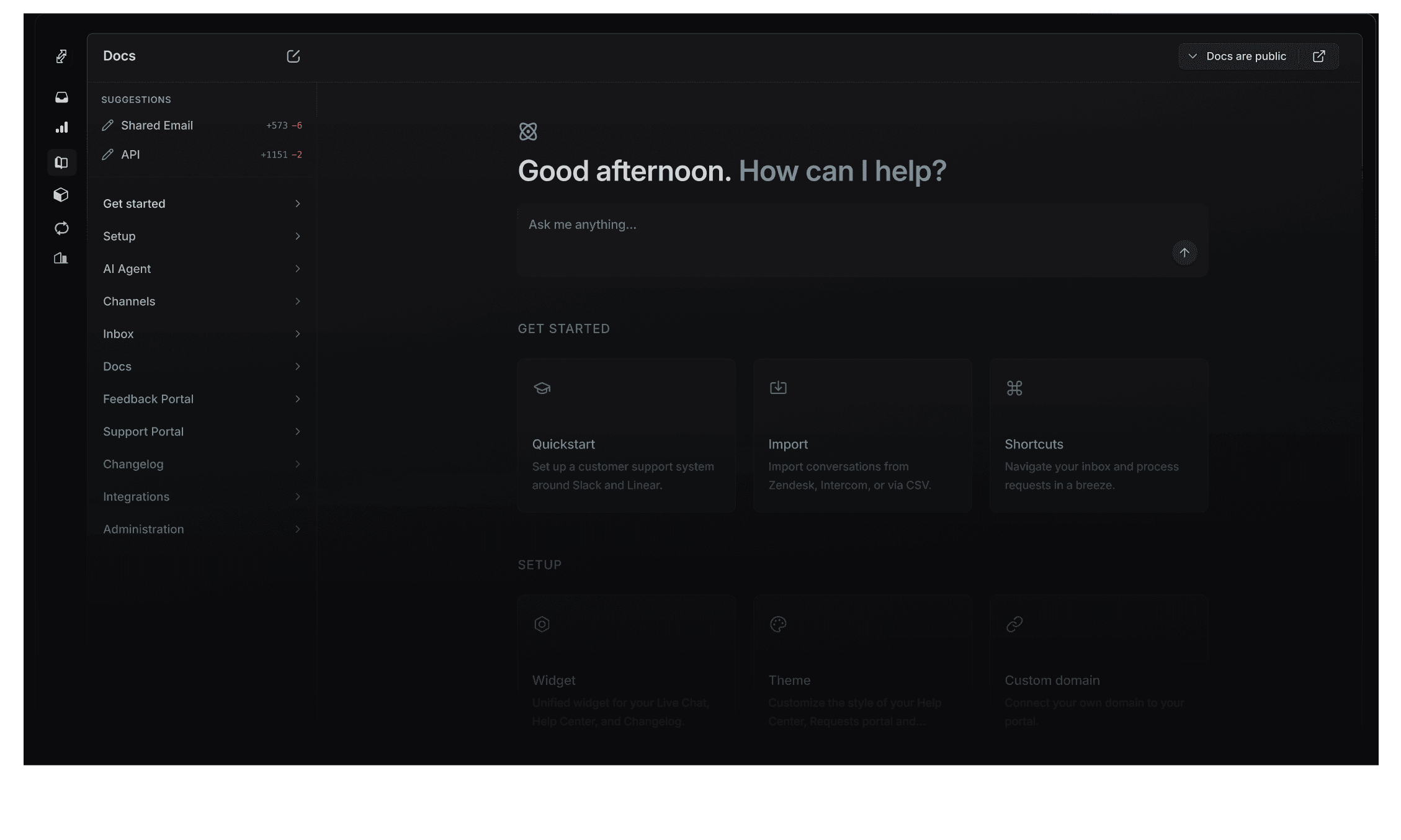
Sourced from GitHub, Linear, and support threads
GitHub commits, completed Linear issues, and resolved support threads become new help center articles, or suggested edits to existing ones.

GitHub commits
Shipped code drafts a new article or updates an existing one.

Support threads
Solved questions land as new help center entries or edits to existing ones.

Linear issues
Closed issues come with a draft article or a suggested edit, ready to review.
Review in two clicks
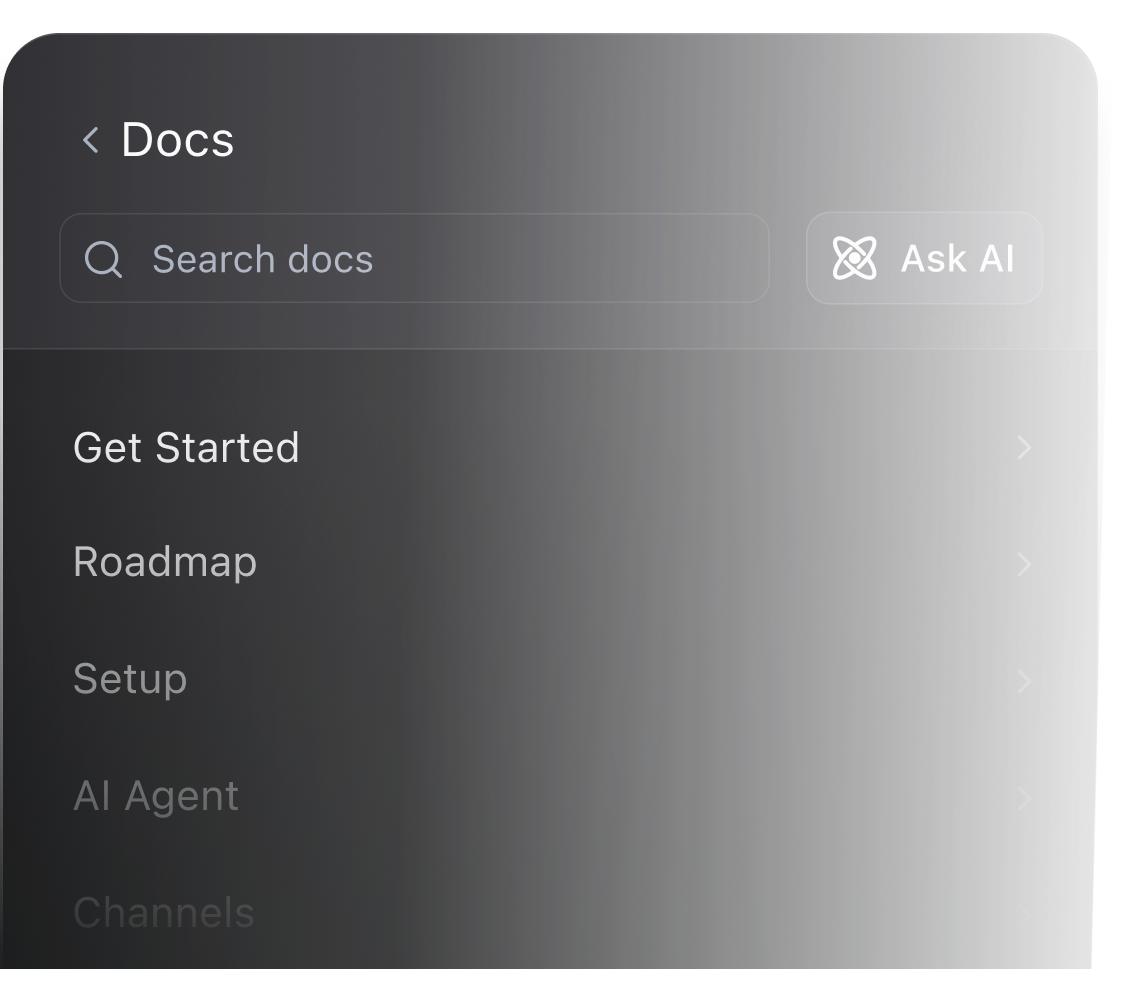
New drafts queue at the top of your help center navigation. Accept, edit, or reject without leaving the sidebar.
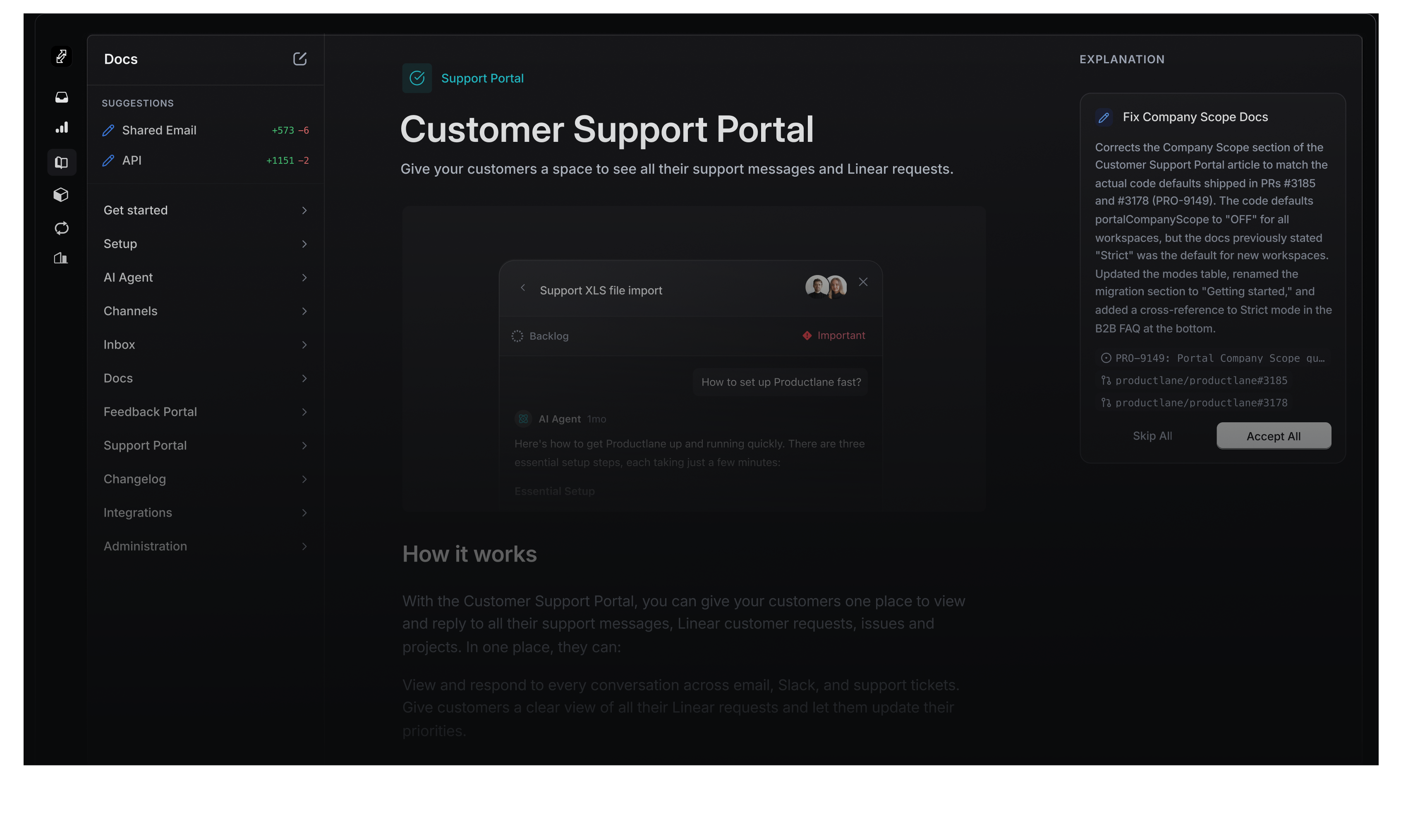
Polished by default
Components your team can ship without a designer. Translations, formatting, and analytics handled.

Multilingual
Auto-translated by browser language across help center, portal, and widget.
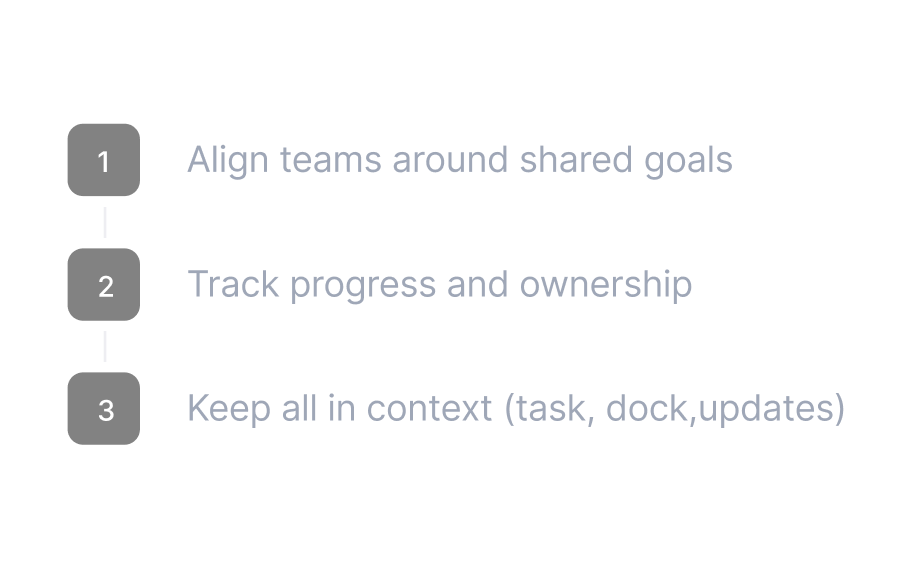
Numbered steps
Ordered lists render as labeled steps. Tables, code blocks, and embeds with one keystroke.
Analytics
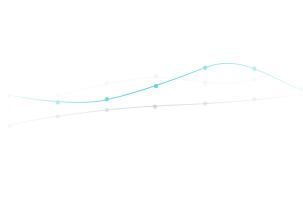
Pipe page-view events to Google Analytics. See what gets read.
Embedded in your widget
Articles open inside the support widget. Reading happens without leaving the app.
Ships without a design pass
Headings, tables, and media styled to use as-is.

Editor components
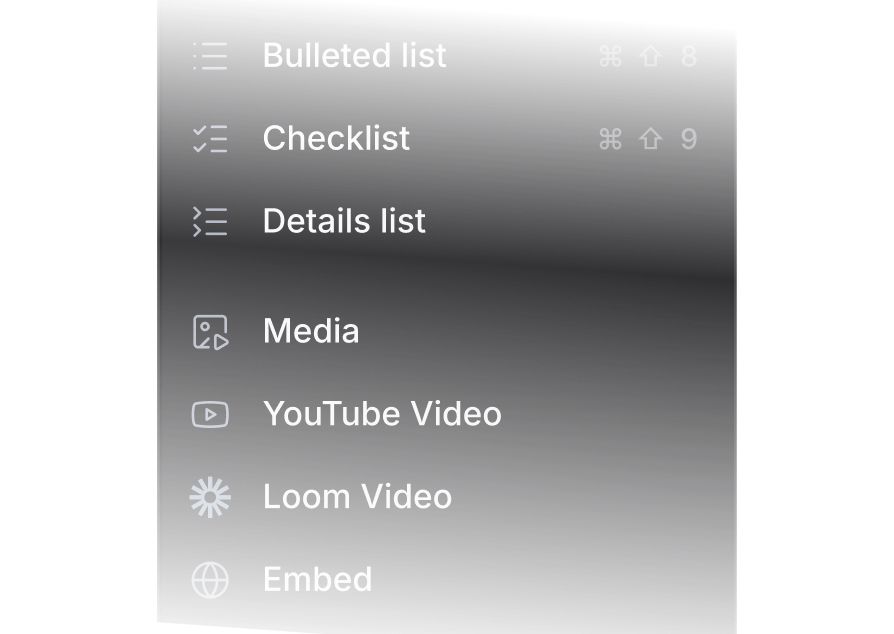
Quotes, callouts, images, videos, code blocks. Each one a keystroke.
High performing startups choose Productlane
 Design software
How Linearity scales support with AI
An AI agent trained on their product and billing answers customers directly. The help center rebuilt and translated itself in minutes.
 Global mobility
How premote runs multi-channel support on Productlane
Four months after moving off a legacy helpdesk, support runs across Slack, Teams, and email, with the help center rebuilt in Productlane.